Pint 0 - story time
Windows XP
I’ve always been an enthusiast of the good old mspaint.exe.
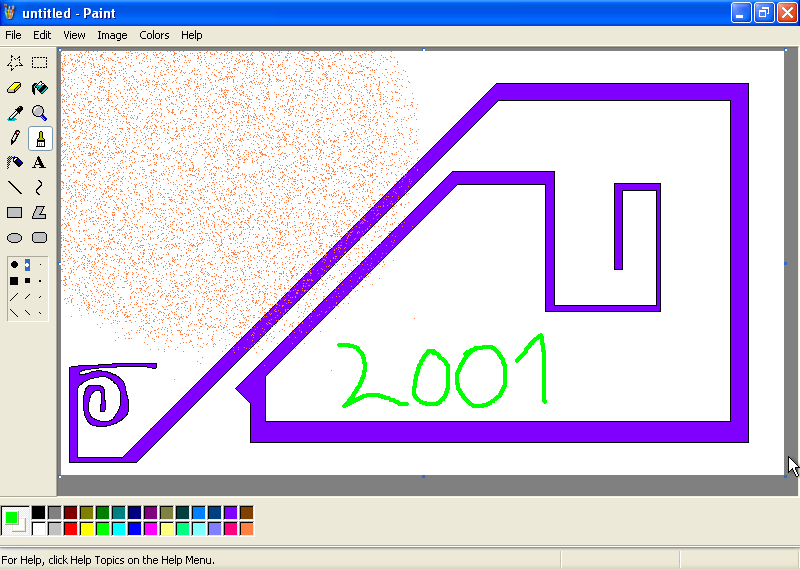
It began with simple doodles in the Windows XP version when I was a kid.
I would fiddle with the spray tool, trying to imagine what kind of sorcery governed that effect.
It was really puzzling for me back then.
Years later I learned about the rand() function.
I admit, some of the magic faded.
I would draw absurdly complicated mazes and bucket-fill them, testing whether you could actually run out of color - surely the bucket had to be finite.
I would hold ctrl+plus for ages to get a comically oversized rubber or pencil.
It was deeply satisfying for some intangible reason.
I guess it felt forbidden.
I’d also use the curve tool and laugh at how broken it was: the curve didn’t even pass through some of the points I clicked!
If someone had said “Bézier” back then, I’d have assumed it was a cereal brand.
In any case, that kind of tinkering has always fascinated me.
I rarely used mspaint.exe for anything you could call artistic.
It was curiosity more than anything.
How is this done?
What are the limits?
Can I break it?
Will it take down the whole computer?
Possibly.
This was long before I wrote a single line of code.
Windows Vista
A decade or so later, the Windows XP era was coming to an end. So did my fascination with Paint, at least I thought so. I didn’t really play with it the way I used to1. Don’t get me wrong: Paint was still my graphics editing tool of choice. Memes, photo censoring software, screenshotting software2 format conversion suite, an advanced forgery machine (often abbreviated as AFM (that’s a lie)). Man, I could do anything in Paint. But it became just a tool. Get in, get the job done, get out. I was no longer hunting for odd behavior, hidden quirks, or ways to break it. I was a cool teenager now after all. I didn’t have time for that crap.
Anyway, Windows XP was getting a little rusty.
More and more games started requiring newer systems.
Some friends at school had already been using Vista, which I’d purposfully skipped.
I guess it got too much bad press at the time.
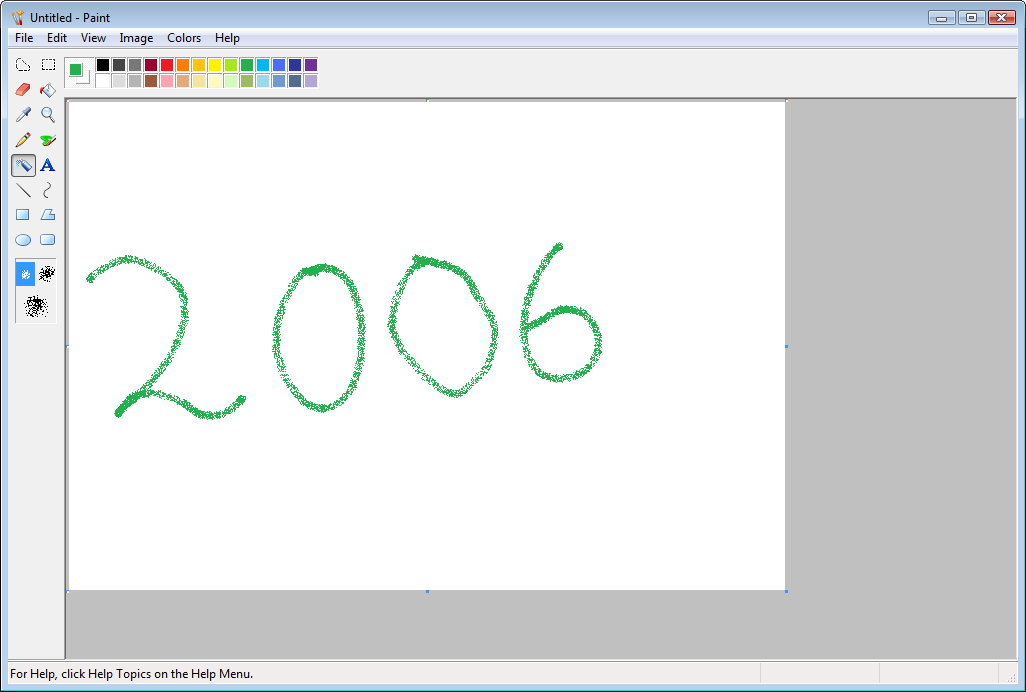
Fortunately, I didn’t miss out on anything important - Paint in Windows Vista is just a reskin of XP’s.
Nothing interesting.
Windows 7
It was time to make the switch and go straight to Windows 7 world! I was installing the new system off of a DVD. A bit scared of breaking the computer by doing that (still not very tech savvy). Mind you, we were still in the HDD era, so installing a full-blown operating system took a lot of time. I waited patiently, staring at the spinning animations.
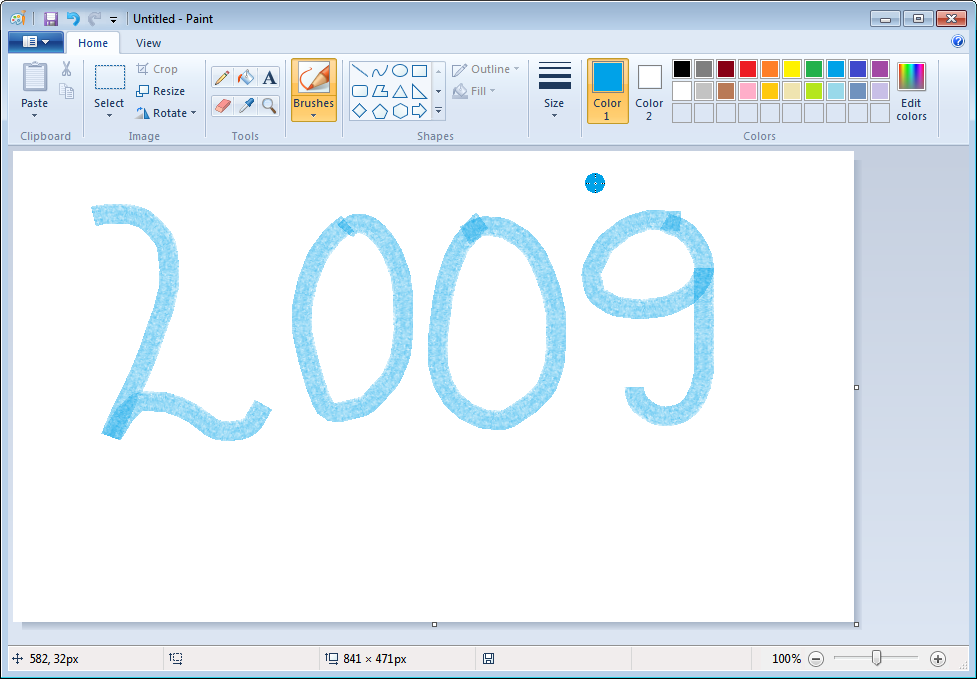
Finally it launched. At first I was a bit overwhelmed. Everything was shiny, new. Aero everywhere. Transparency. The 3D transitions. Boy, was it futuristic. Time to check out mspaint.exe… Wow! It. Was. New! New brushes. New shapes. You could slap predefined textures onto shapes. New UI, toolbar at the top. Everything was shiny and modern. Well, in retrospect, it wasn’t that big of a deal, but at the time it had really hit me. It brought the old fascination back.
I was excited about Paint yet again.
I imagined I’d soon be back to poking at every tool, hunting for hidden behavior and limits, like the old days.
In reality it was less romantic.
I played with it for a while, bu1t didn’t really explore all possible tools, switches and quirks.
I guess it remained just a tool for me.
The nostalgia was strong, but as it often is with nostalgia, you cannot really relive the moments and experience them in the same way.
Windows 10
Skip ahead a few more years: Windows 10 was launching.
I had been ignoring it for a few years, but finally I upgraded the system.
At first I was skeptical.
Well, let’s admit it - I hated it.
Where was my Aero?
My lovely transparency?
Why wasn’t everything rounded?
Why wasn’t the Start button round?
Why did they kill the Win+Tab 3D flip?
God.
Insert “look how they massacred my boy” meme.
I was grumpily clicking through the new menus, complaining about the Start menu tiles, the weird split between Control Panel and Settings3, then I thought to myself - what about mspaint.exe?
A spark of excitement hit me when I reminded myself about groundbreaking changes in Windows 7.
This time it would surely be even better!
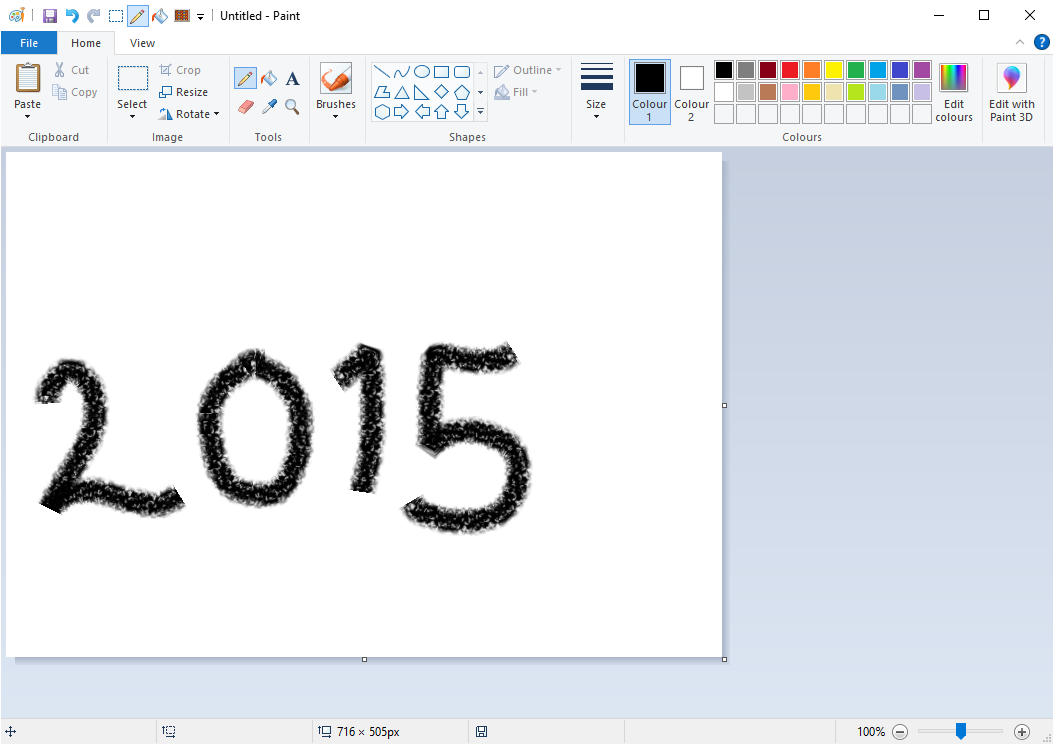
Unfortunately, again a simple reskin.
It looked arguably better than Windows 7 version, but it was only a cosmetic change after all.
Windows 11
Windows 10 was marketed as the last Windows version. One that would be updated and maintained forever, with no successor. That’s why Windows 11 was launched after it. I was putting off switching to the new OS for a long, long time. Even beyond Windows 10 support period. That’s not a very responsible thing to do, but I was barely booting Windows at home anyway4 these days, so let’s let it fly.
Finally I do it. I upgrade to Windows 11. And boy, do I hate it. I know I said the same about Windows 10, but this time it feels different. This time it’s really bad. That’s a bold claim, I know. I guess time will really tell.
For me, Windows 11 has come to symbolize the decline of Windows. Perhaps even of mainstream software in general. Constant failures, security holes, Copilot crammed into every app (wtf, it’s in Notepad?!), and absurd design choices5.
And then there’s Paint. Too bad I’ve already played the “massacred my boy” card in this post. It would fit here too. There’s no single gigantic flaw in it, but it just doesn’t feel right to me anymore. Paint has always represented the simplest possible editing software. Now it feels like it tries to be a more advanced software but poorly. I’m going through the new features and UI, trying every tool. The look is odd, the icons are pretty sad. They added layers and alpha channel, which is uncalled for. They added AI features, like AI erase or fill. They added smooth zoom, which is kind of nice, but it’s very flickery, not pleasant to use. Paint now also loads pretty slowly. I managed to crash the program by selecting a very large region of the image. All of those are, of course, nitpicks, but they draw a bad overall image of the program.
Call me old and grumpy, but, for the first time in my life, I don’t like mspaint anymore. I didn’t know it yet, but that disappointment was a seed.
No windows?
I’ve been daily-driving Linux for a couple of years now. I only touch Windows when I have to, which basically means professional work or gaming. Still, the whole situation sparked an idea. My favorite drawing tool isn’t available on Linux, and Microsoft no longer ships a version that satisfies me on Windows. Extracting old executables and running them on Windows 11 doesn’t work, at least not out of the box.
So what if I just wrote it myself? It can’t be that difficult. Create a canvas, slap some pixels on it when the user clicks, done. Ship version v1.0. But really, how hard can it be?
One thought gave me pause though: what if someone had already done this? I mean, I am reinventing the wheel, but I’d like to at least be the first person to do it. I did some research and gathered all Paint reimplementations I could find online. And I mean proper reimplementations that aim for the exact look and feel of the original, not just “paint-like” tools.
The most notable example is, of course, the ReactOS implementation.
Despite ReactOS targeting Windows 2003 Server, they implemented a replica of Windows Vista.
It works remarkably well.
It strays from the original in a few tiny details, but apart from that it’s very faithful.
I even got it running on Linux under Wine.
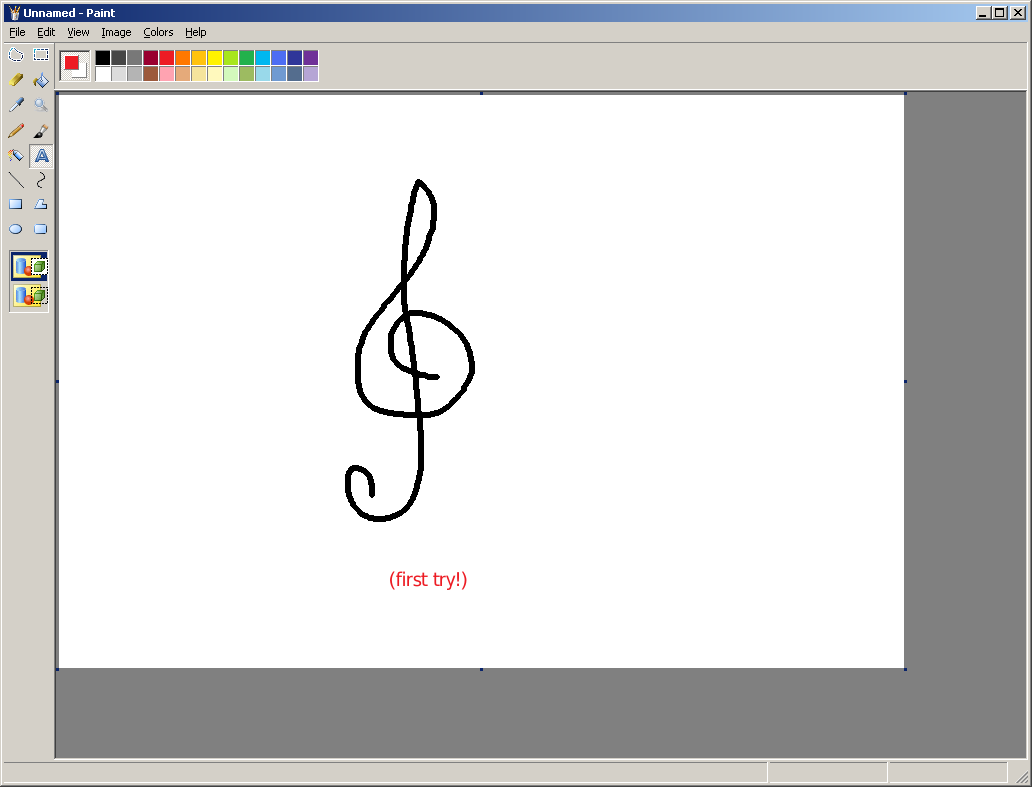
I found two web-based clones of Windows XP Paint - jspaint and emupedia. Do check it out. It’s quite cool to see classic Paint in your browser. There’s also paint.js, though it doesn’t quite nail the look. Nevertheless, I was surprised how true to the original these projects are.
The right-click behavior of the rubber is a good litmus test to see if the author really did their homework. It’s quite unexpected, what mspaint does when you do this. I’ll leave discovering it as an exercise for the reader.
I also came across Amir’s Paint, but it seems to be mostly a learning project and it doesn’t really aim for pixel-perfect accuracy. It’s quite close, though.
TS Paint, which aims for Windows 95 reimplementation (pretty similar to XP), looks functional, but is very much incomplete and forgotten. Last commit was in late 2020.
I also tried running the original Microsoft binaries on modern systems. For some reason all of them crash at runtime. It’s possible I’d need to copy some additional libraries along with the executables, but I didn’t put much time into researching that.
The XP build runs under Wine on Linux, although I didn’t manage to launch the Windows 10 binary. I was hit with a litany of UWP-related errors, and from what I’ve read, Wine may not support these features.
No windows.
The results of my research were reassuring. There is no solid, complete reimplementation of Windows 10 Paint. You can probably run Microsoft’s binaries on Windows 11 with some extra effort, but not on Linux (at least I can’t). And even if you could, a native, open-source version would still be valuable. I could fix some bugs and weird behavior that were never fun and just annoying. The magnifier tool preview, for instance, is my favorite example. More on that in a future post.
There was just one question left. Can I do it? I fired up a Windows 10 VM, launched Paint, and started clicking. Every tool. Every mouse button. Every keyboard combo. I was looking for that one feature that would look too hard to implement, that would talk me out of the idea. It was a long session. An unsuccessful one.
I had to conclude that I could implement all of it. Some parts would be trivial, some would be more involved. Sure, implementing the text tool is a bit scary. I don’t have a very clear plan on how I’ll implement the cloud shape tool. But still, it’s not a 3D fluid sim on a megacluster or protein folding algorithm6.
In Paint, everything is just logic and maths executed at the right moment. The inputs are clear and well-defined. The outputs are easy to validate, both by eyeballing and by automated tests. All I needed was time, a text editor, and a VM with the last good Paint version for reference. Remember when I said the fascination was dormant? This was the awakening. Okay, that’s a bit overly dramatic. But we are back.
The name? I decided not to go too far off and call it Pint. It’s a bit of a wordplay since Polish speakers not very proficient in English (for instance, 7 years old me) would read Paint /peɪnt/ as Pint /pɪnt/. Also, a pint happens to be a measure of beer, which is a nice touch.
All of this meant my journey could safely begin without the fear of the project being completely useless.
Well, it may be useless to most people.
But I know for a fact it will have at least one, quite active, user.
That’s what she said. ↩︎
I admit, I discovered the Snipping Tool embarrassingly late. ↩︎
I still think it’s outrageous they couldn’t just implement everything in the new Settings app and ditch the Control Panel. This is still true in Windows 11. ↩︎
I use Arch, btw. ↩︎
Yo bro, we heard you like context menus, so we put your old context menu inside a new context menu. ↩︎
These defeated me before I even looked up what a protein is. ↩︎